Key Takeaways
- The camera roll mixes workouts with screenshots, receipts, and everything else.
- No muscle-group tags, no equipment filters, no exercise search.
- A dedicated locker keeps clips separated, compressed, and tagged.
- Compression means hundreds of clips in about 1.5 GB.
Is the camera roll good for saving workouts? It works for a handful of clips, but the camera roll has no muscle-group tags, no equipment filters, and no exercise search — so past about twenty saves, finding a specific workout means endless scrolling. A dedicated workout locker fixes all three.

The camera roll is the most common place people stash workout videos. It's also where those workouts go to die. Owning the file is good — but a photo album has no idea what's in the video.
Why the photo album fails for workouts
- It's chronological, not organized. Workouts are interleaved with every photo you take. Finding one means scrolling past your whole life.
- No fitness context. Photos can't tag a clip by muscle group, equipment, or creator.
- Search doesn't understand exercise. Photos search finds "beach," not "Romanian deadlift."
- Storage panic. Saved videos quietly eat gigabytes, so people delete in bulk — workouts included.
- No creator credit. You forget who the clip came from, so you can't go back for more of their programming.
Camera roll vs. a workout vault, side by side
| Camera Roll / Photos | Save My Workout | |
|---|---|---|
| You own the file | Yes | Yes |
| Sorted by muscle group | No | Yes |
| Sorted by equipment | No | Yes |
| Tagged by creator | No | Yes |
| Search by exercise | No | Yes |
| Compressed to save space | No | Yes — a few MB per clip |
| Mixed with personal photos | Yes 😣 | No — workouts only |
The best of both: own it and organize it
You don't have to choose between "owning the video" and "actually finding it." Save My Workout keeps the real clip on your device — compressed so it doesn't bloat your storage — and auto-sorts it by muscle group, equipment, and creator. The goal is simple: make it easy to keep showing up.
If your camera roll is already a mess, start here: how to organize your saved workout reels.
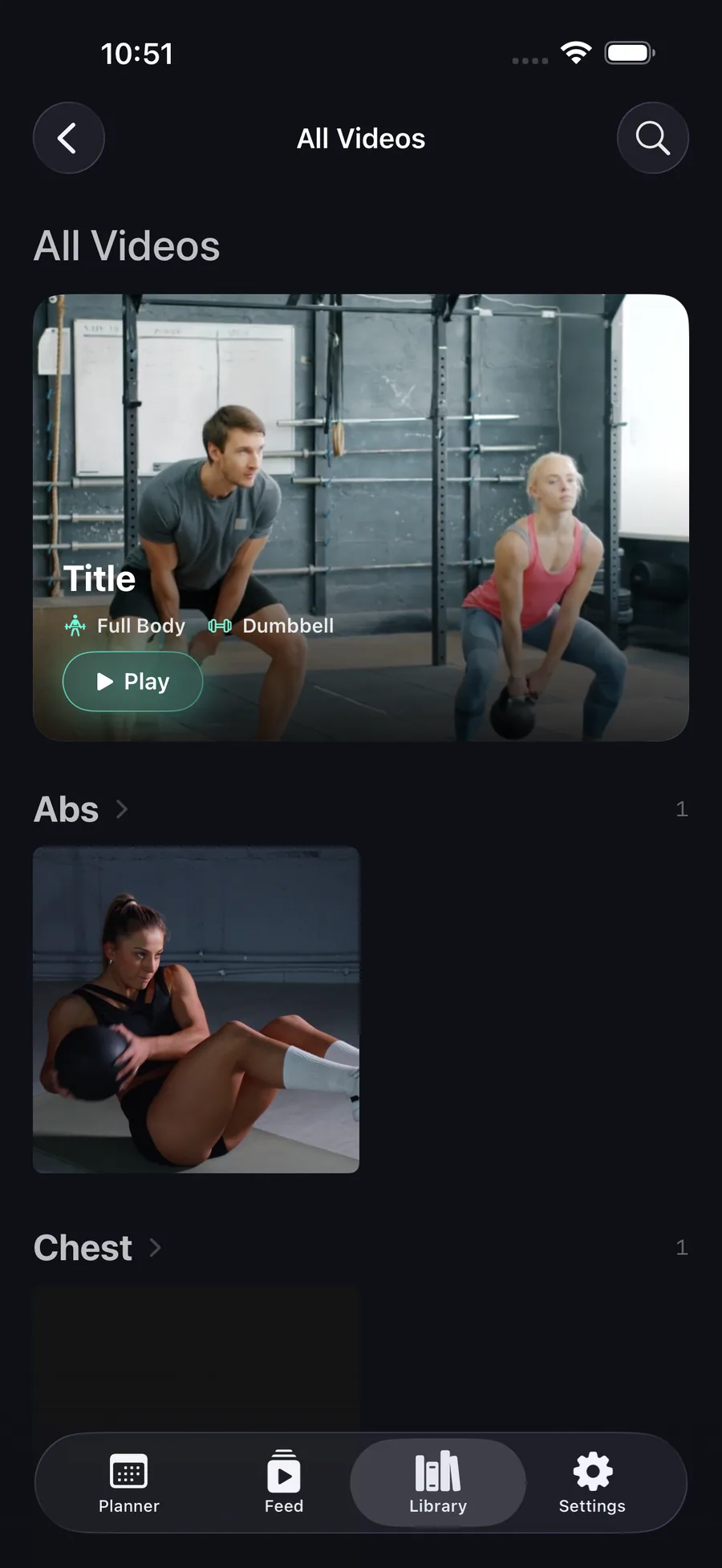
Never scroll through 4,000 photos again.
Keep the real video, minus the clutter — sorted by muscle group, equipment, and creator.
Get Save My Workout