Key Takeaways
- Instagram Collections are manual and one-dimensional.
- Real organization needs three axes: muscle group, equipment, creator.
- Save the actual video — bookmarks die with deleted posts.
- One tap at save time beats an afternoon of sorting later.
How do I organize my saved workout Reels? Move them out of Instagram’s Saved tab and into a tagged library. Share each Reel to Save My Workout and it is automatically filed by muscle group, equipment, and creator — searchable in seconds instead of buried in a thumbnail grid.
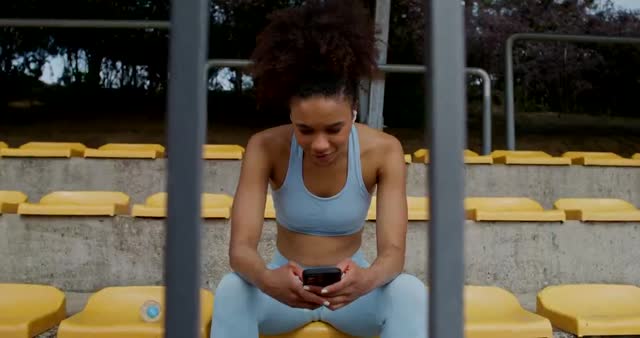
Every lifter has a camera roll graveyard: a thousand brilliant exercises buried under photos, screenshots, and clips you'll never scroll back to. The good news is you don't need more discipline — you need a system that does the filing for you.
Why the camera roll fails
- No structure. Workouts are mixed with everything else in one endless feed.
- No context. A clip isn't tagged by muscle group, equipment, or who made it.
- No search. You can't type "glute finisher" and get it back.
A pile of saves feels productive but does nothing for your training. A library you can query changes how you train.
The 4 rules of a workout library that works
1. Keep the real video
Don't reduce a movement to a text list of sets and reps — you lose tempo, form, and the cues that made you save it. Keep the clip.
2. Sort by muscle group
The first question at the gym is "what am I training today?" Your library should answer it instantly.
3. Tag by equipment
The second question is "what can I actually use right now?" Equipment tags let you adapt on the fly. (More on that in finding workouts by equipment.)
4. Group by creator
When a coach's programming works for you, you'll want everything you saved from them in one place.
Manual vs. automatic
You can build this by hand with folders and a notes app — but tagging every clip manually is exactly the chore that made your camera roll a mess in the first place. The realistic version is automatic: an app that tags as you save.
The shortcut
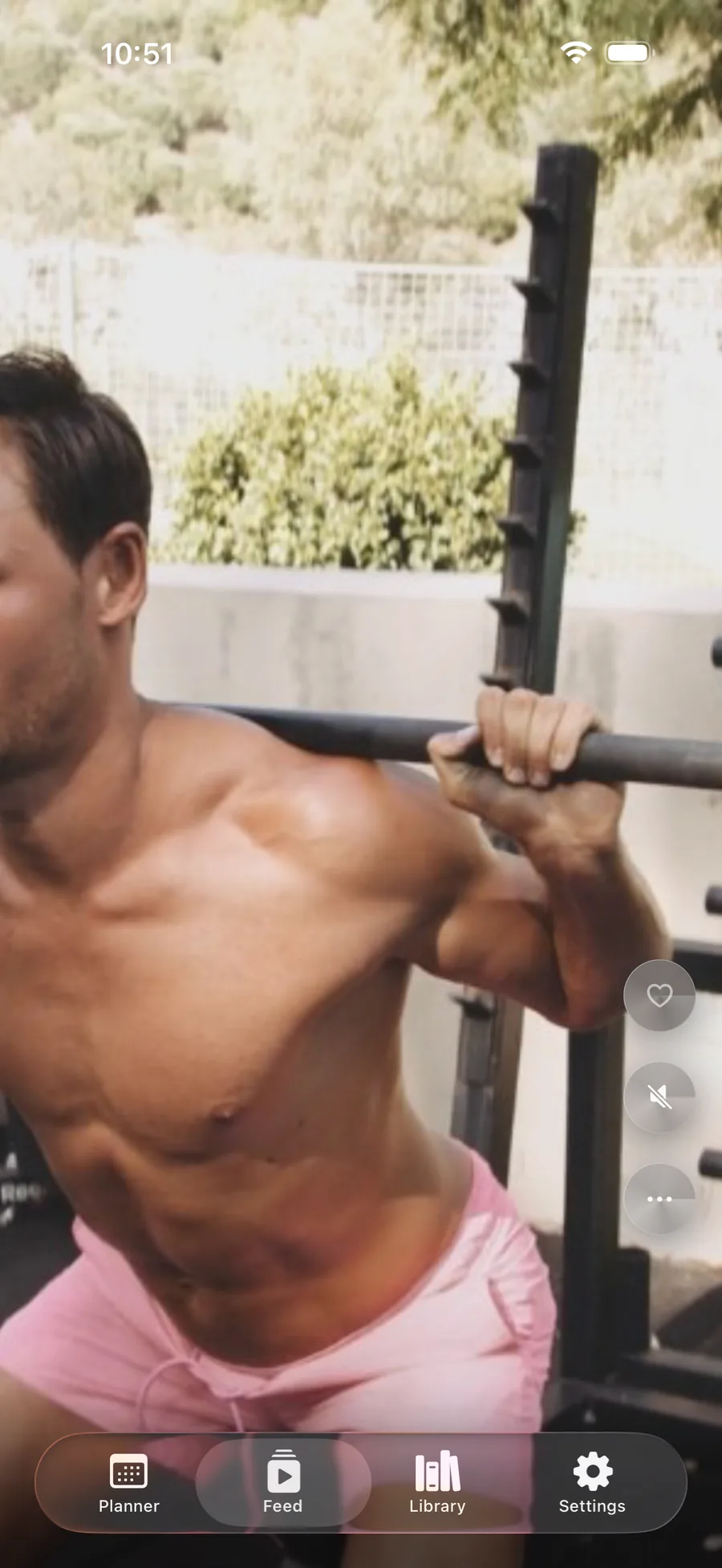
Save My Workout applies all four rules for you. Share any reel into the app and it keeps the real video, auto-sorted by muscle group, equipment, and creator, fully searchable, and stored privately on your device. Two thousand chaotic saves become a library you'll actually open.
Turn your saves into a system.
Auto-organized by muscle group, equipment, and creator — searchable in seconds, private by design.
Get Save My Workout