Key Takeaways
- Muscle group is the first question at the gym — so it should be the first tag.
- Nine groups cover almost everything you will save.
- Auto-tagging beats folders: no typing, no filing, no drift.
- Combine with equipment tags for busy-gym flexibility.
How do I organize workouts by muscle group? Tag every saved clip with its target muscle group — chest, back, legs, and so on — and browsing replaces searching. Save My Workout does this automatically when you save, sorting your entire library into nine muscle groups with no manual filing.

Sorting your saved exercises by muscle group turns a chaotic pile of clips into a quick-reference library. Here's how to set it up.
Step 1: Use a clean set of muscle groups
Don't overcomplicate it. These nine cover almost everything:
- Chest, Back, Shoulders
- Biceps, Triceps
- Quads, Hamstrings/Glutes, Calves
- Core
Every exercise you save gets filed under one (or two) of these. That's the whole taxonomy.
Step 2: Group them into a split you'll actually run
Muscle groups roll up into common splits:
- Push / Pull / Legs — chest+shoulders+triceps / back+biceps / quads+hams+calves
- Upper / Lower — simple 4-day option
- Full body — one exercise per major group, 2–3×/week
Whatever you pick, aim to train each major muscle group at least twice a week.
Step 3: Tag every saved clip the moment you save it
This is where most systems die. If you plan to "organize later," you won't. Tag by muscle group at the moment of saving — or use a tool that does it automatically.
Step 4: Add a second axis — equipment
Muscle group answers "what am I training." Equipment answers "what can I do right now." Together they're unbeatable: "back + cables," "shoulders + dumbbells." (More: find workouts by equipment.)
The shortcut
Doing all of this by hand is the chore that created your messy camera roll in the first place. Save My Workout auto-sorts every clip you save by muscle group, equipment, and creator — so the system runs itself and you can just train.
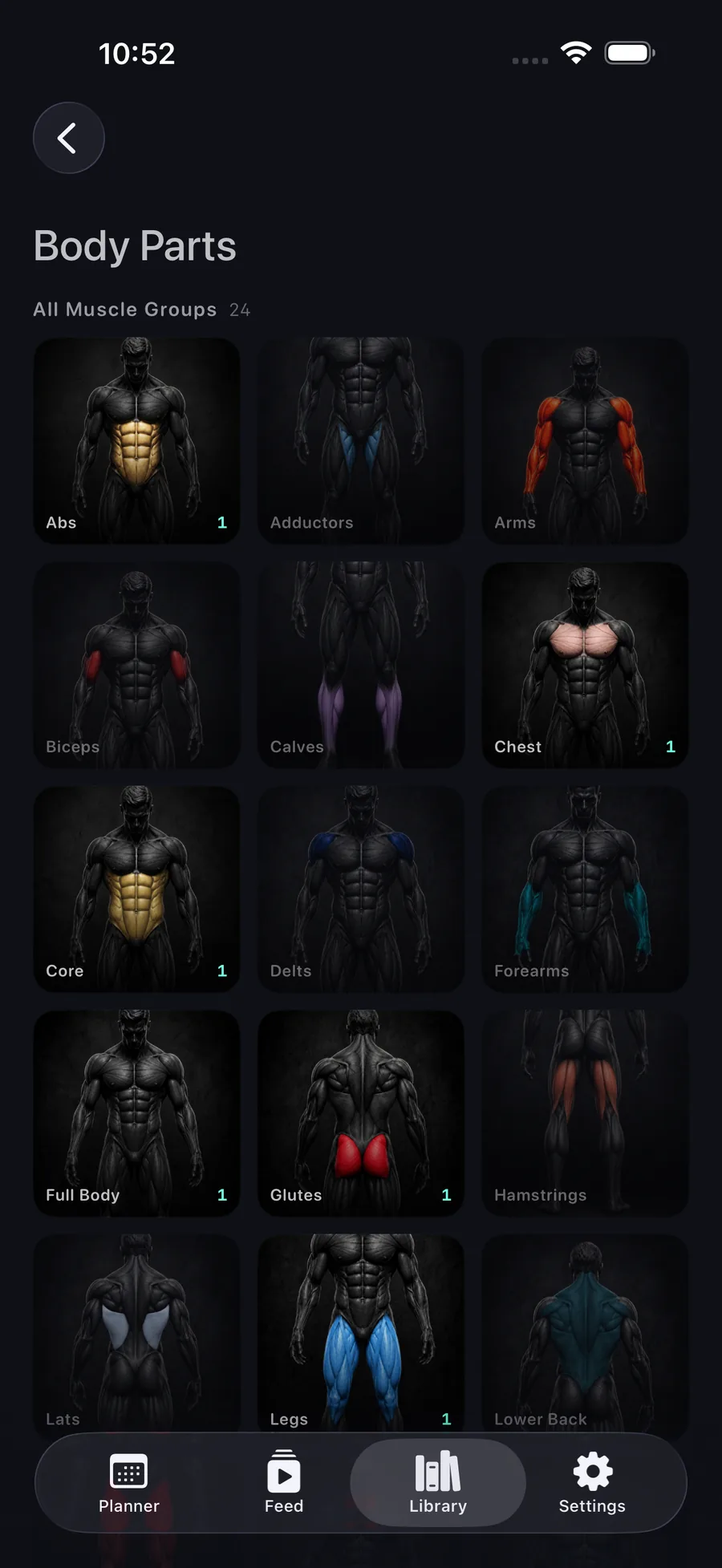
Your library, sorted by muscle group.
Auto-organized by muscle group, equipment, and creator — findable in seconds.
Get Save My Workout